
PCB viewer & NPI platform
From design
to factory floor.
View your board. Prepare your production data.
Bring every detail together in one workspace.
Start for free. No credit card required.
Your workflow, connected
Four steps. One workspace.
Go from raw design files to production-ready data in minutes.
Import
Drag and drop your Gerber, Excellon, BOM, or pick and place files.
Review
Inspect layers, measure distances, compare revisions side by side.
Prepare
Enrich your BOM, configure panelization and paste, verify placement.
Hand off
Export production-ready data and share with your manufacturing team.
See the whole picture
Every layer. Every detail.
Make your next manufacturing decision with a clearer view.
Realistic PCB rendering
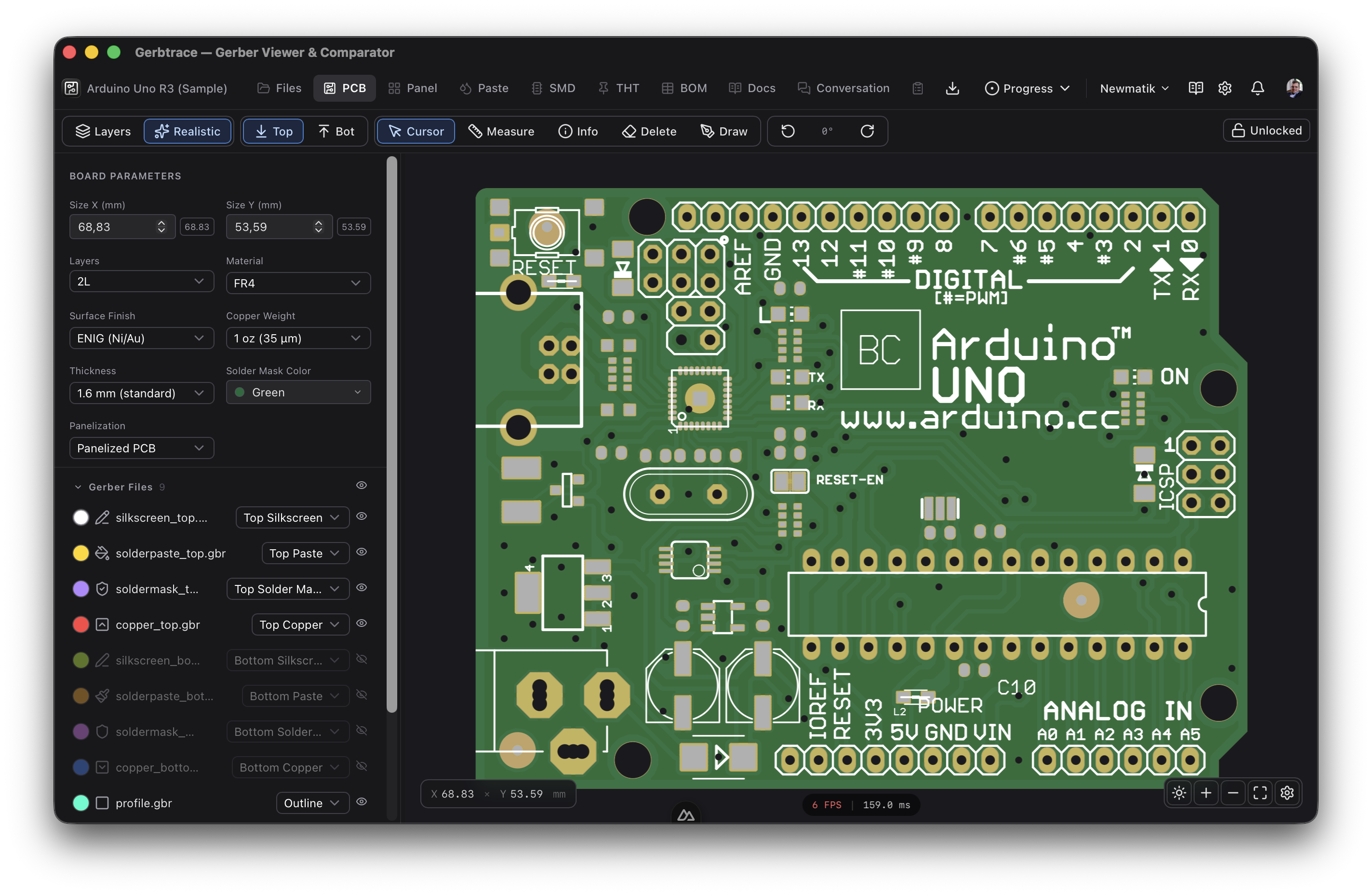
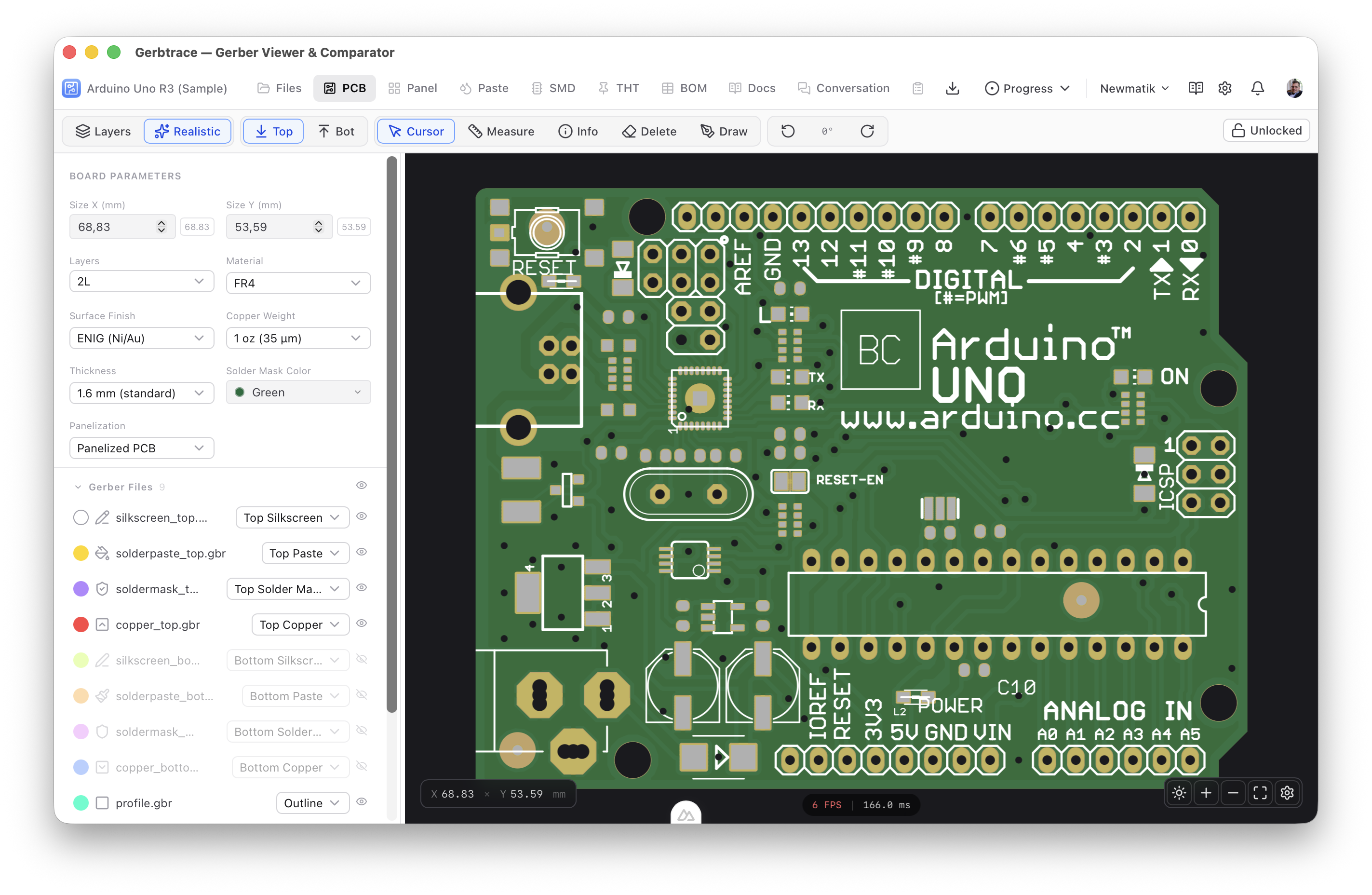
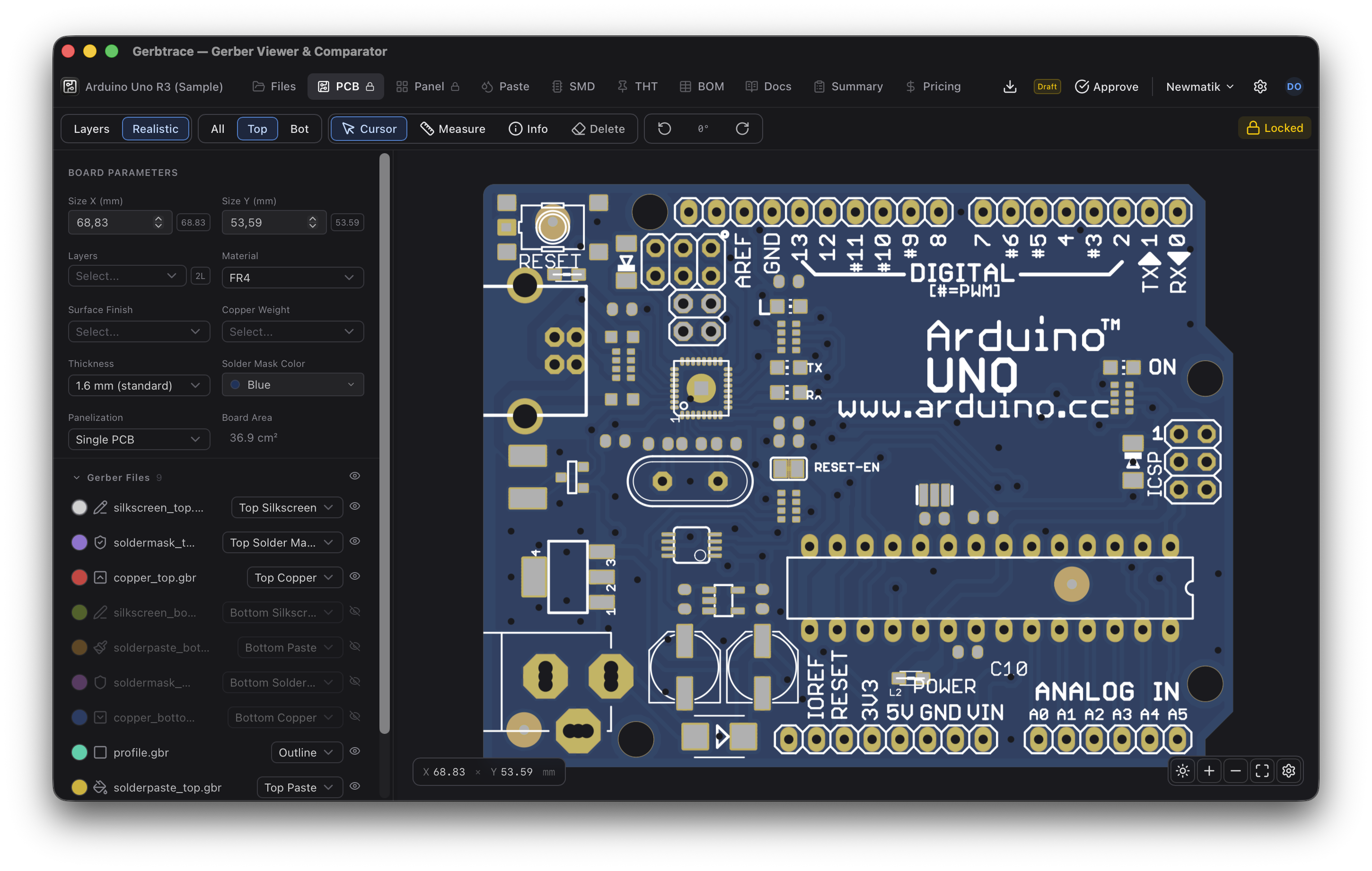
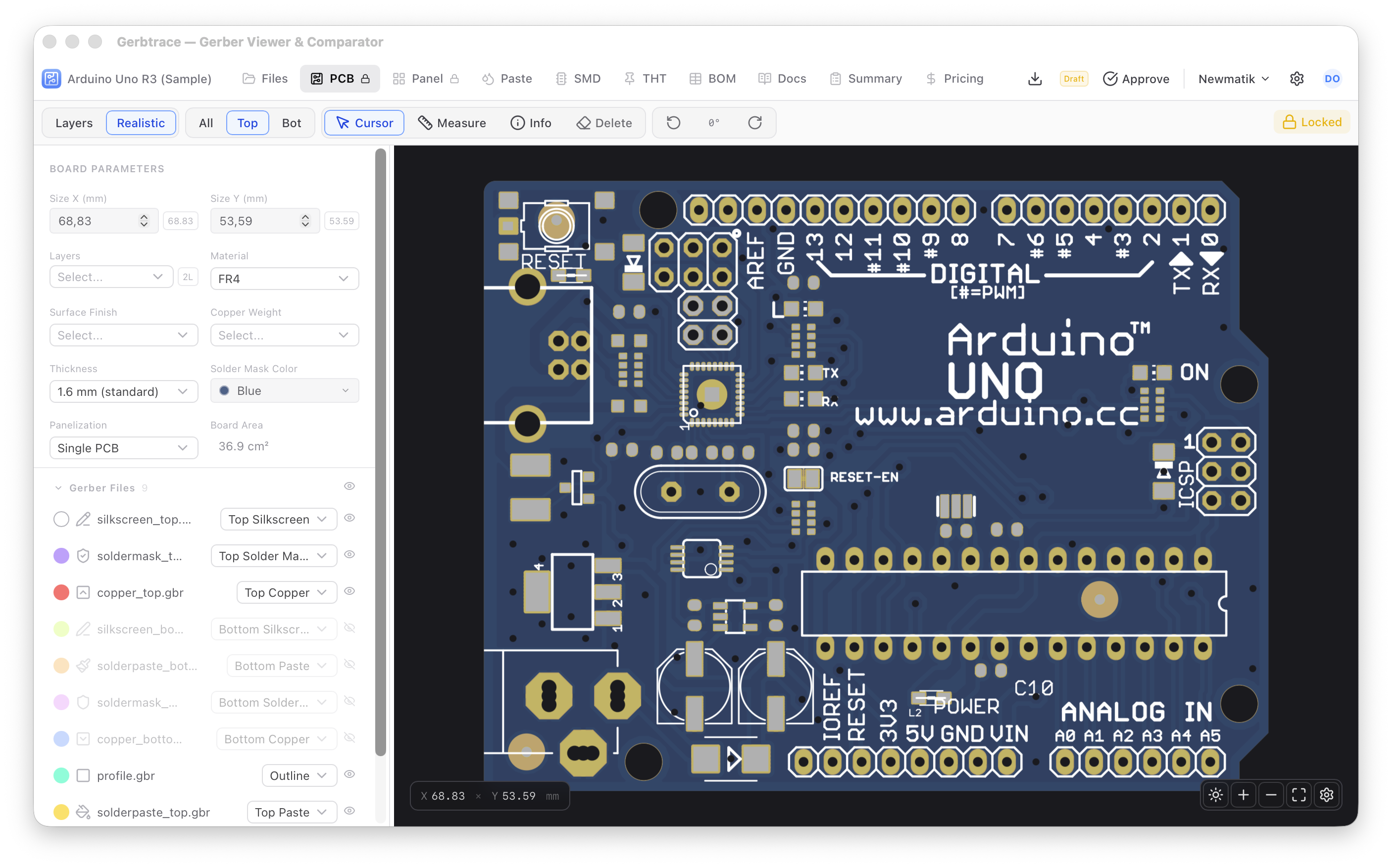
See your board as it will look after manufacturing. Copper, soldermask, silkscreen, and drill layers rendered with realistic colors and materials.
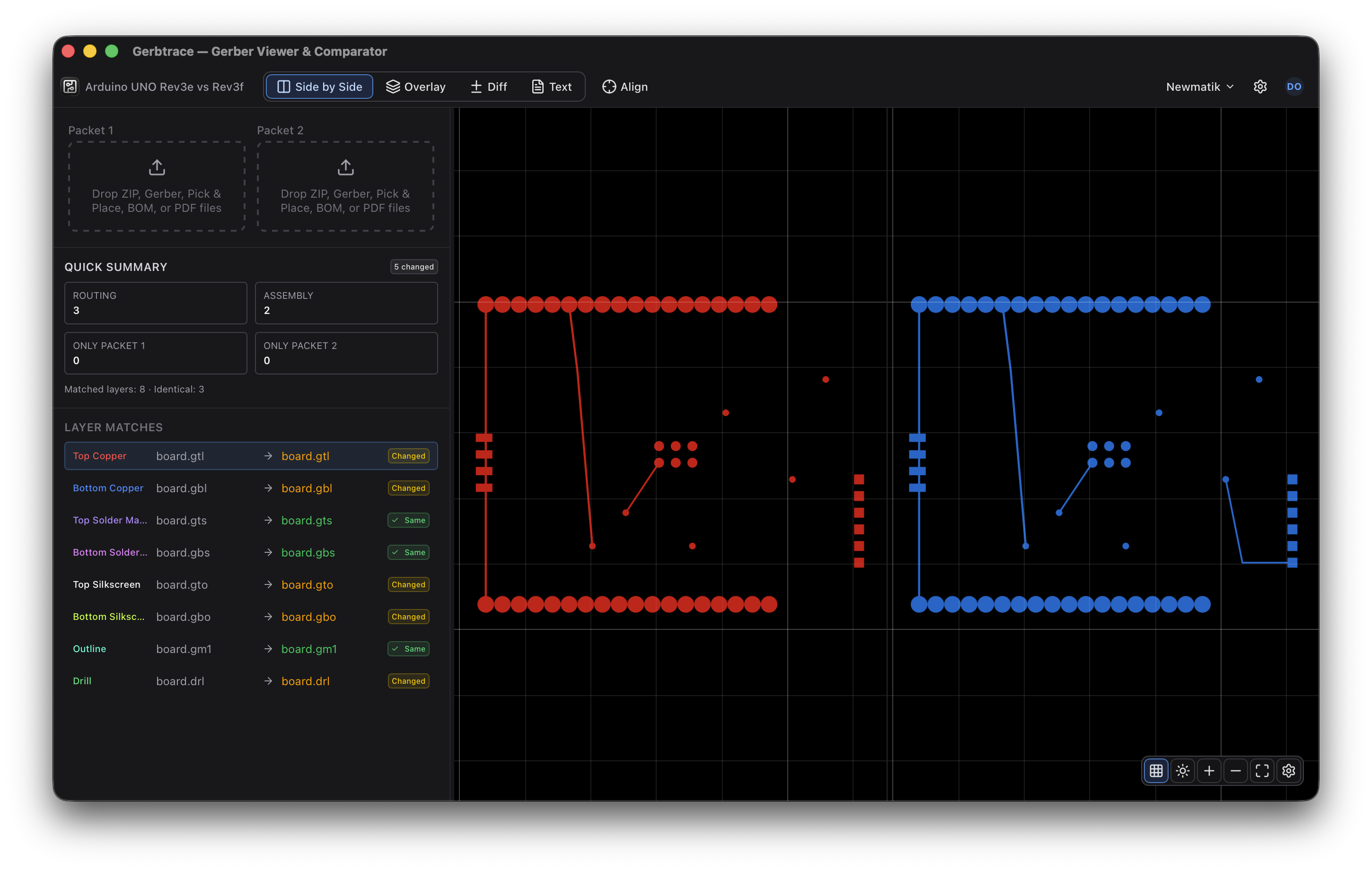
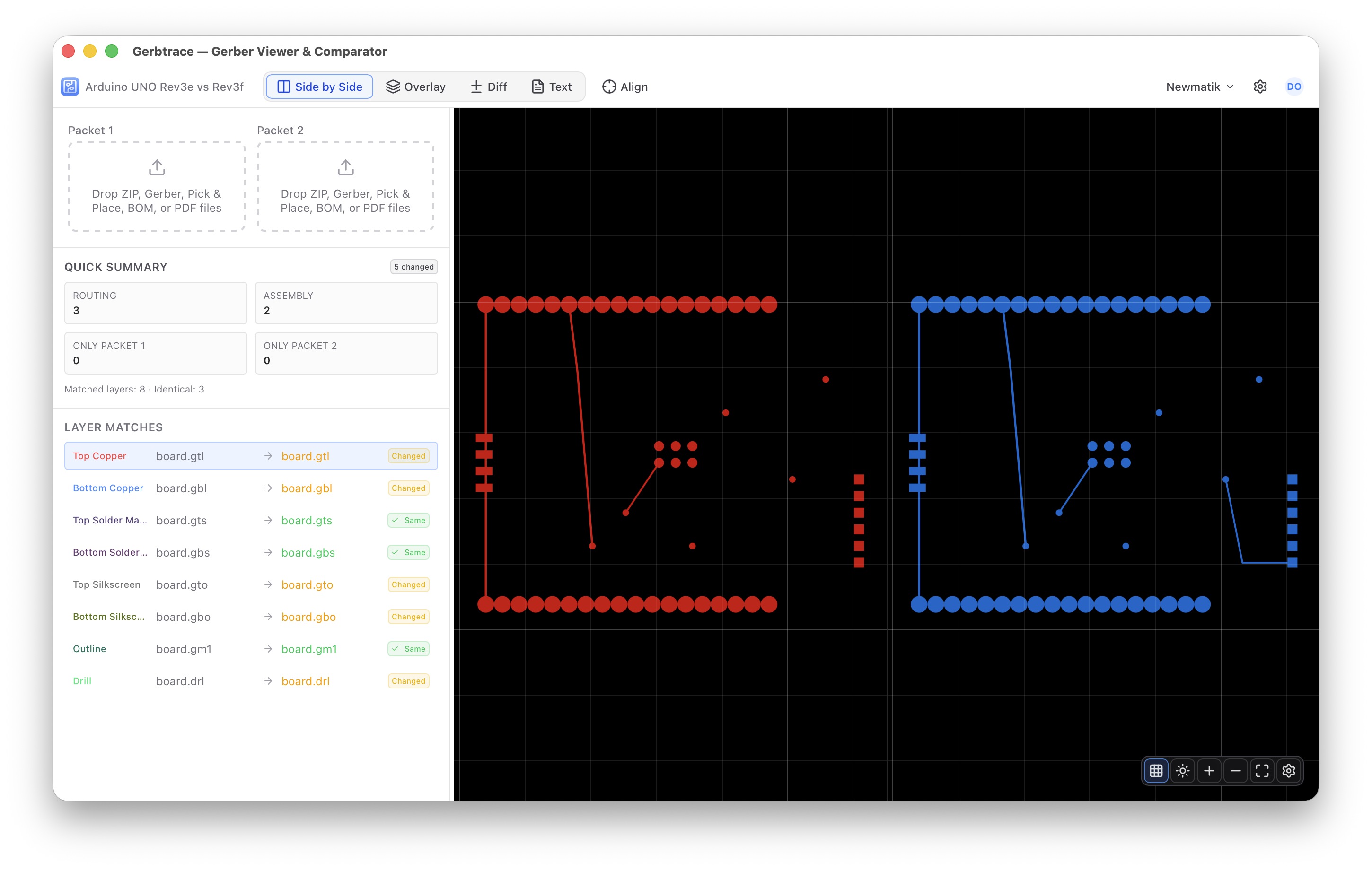
Side-by-side revision compare
Compare two Gerber file sets to catch changes between revisions. Overlay, diff, and side-by-side modes help you review what changed and why.
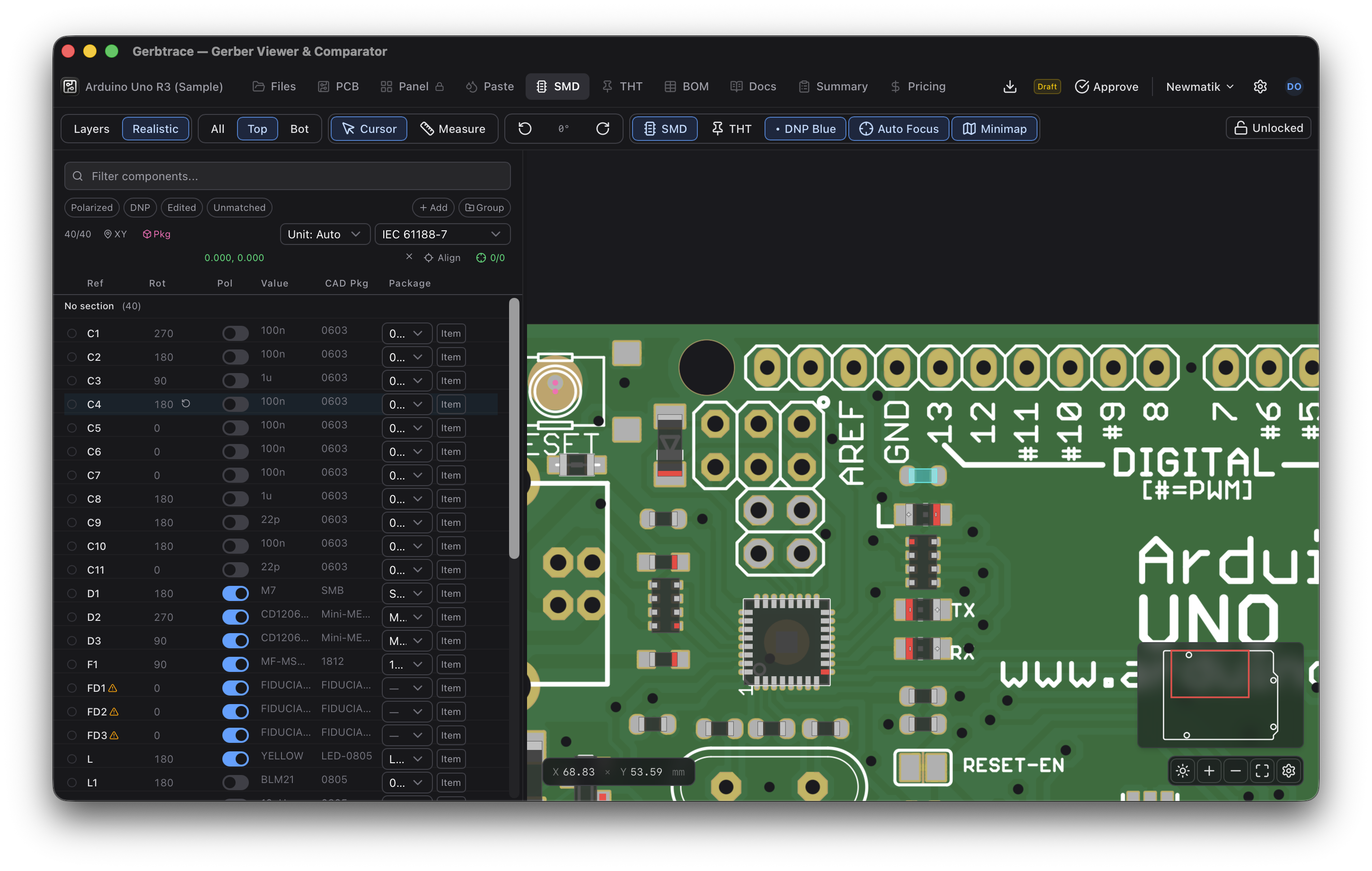
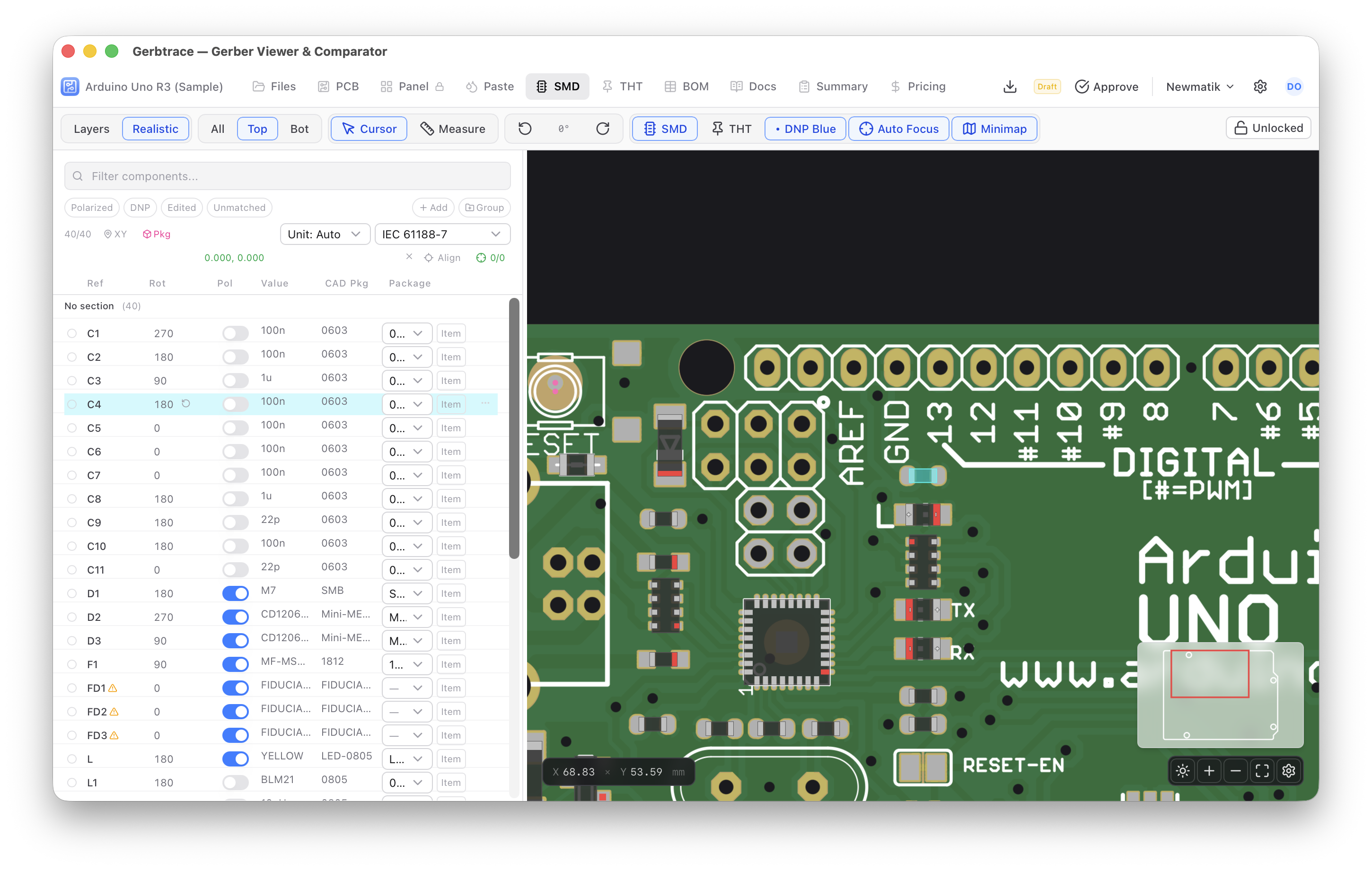
Component visualization
Import your pick and place file and see SMD and THT components placed on the board. Search, filter, and highlight individual parts to verify placement.
Built for production
Everything your board needs.
Start with a quick review. Grow into a complete NPI workflow.
Gerber Viewer
View, measure, and inspect PCB layouts directly in your browser. Layer management, realistic rendering, and multi-format support.
Explore Gerber ViewerNPI Suite
Complete CAD/CAM data preparation. BOM management, pick and place verification, panelization, stencil configuration, and production handover.
Explore NPI SuiteSpark AI
AI-powered BOM enrichment that suggests manufacturer part numbers, standardizes descriptions, and classifies packages automatically.
Explore Spark AIPart Search
Live component pricing from global distributors. Compare quantity tiers and estimate full project costs in seconds.
Explore Part SearchBring your files
Fits right into your workflow.
Import from KiCad, Altium, Eagle, or any EDA tool that exports standard formats.
Your next board starts here.
Open your design files and take the next step toward production.
Free to get started. No credit card required.